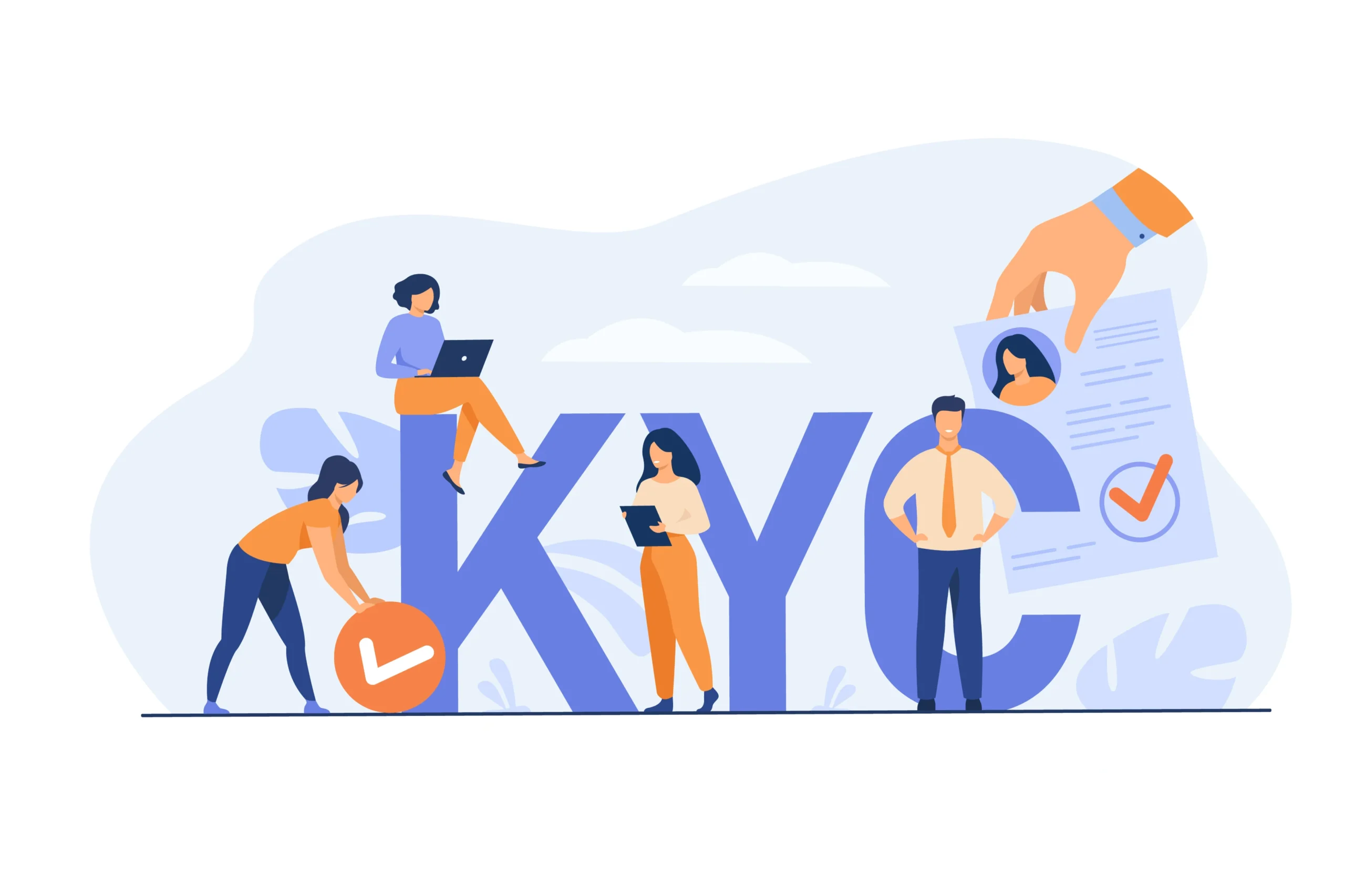
Global IME Bank has introduced a new Online KYC (eKYC) platform, allowing customers to update their personal information from the comfort of their homes. This initiative is part of the bank’s “Global Digital Universe,” designed to save customer’s time by eliminating the need to visit a branch for KYC updates and maintain their account compliance. Through the newly launched Global Digital Universe platform, account holders can now update their Know Your Customer (KYC) details entirely online.
Here is how you can utilize this service to keep your account information up to date.
Updating your KYC Online
To update your KYC open Global Digital Universe – https://digitaluniverse.gibl.com.np/ and select the “KYC Update” option to start.
Upon entering the portal, you will be required to validate your identity. Please ensure you have the following details ready:
- Your valid Account Number.
- Your registered Mobile Number and Email Address.
After entering these details, complete the security check (reCAPTCHA) and click “Submit.”
Security is a priority for online updates. You will be asked to select a destination to receive a One-Time Password (OTP). You may choose either mobile or email verification.
Please note that your email must already be validated by the bank to proceed. If your email or number is not currently linked or verified, you can update your email or mobile number by visiting the “Email and Mobile Update” section on the Digital Universe.
Once you receive your 6-digit OTP, enter it into the validation field and click “Submit” to access your records.
Uploading documents
You may also need to upload image of your PAN and National ID if you are updating these details. You can upload these documents in PDF format or as .jpg format.
Reviewing and Updating Your Data
After successful verification, the system will display your current KYC form, highlighting any missing information first. You will then have two choices based on the status of your data:
- 1. If no changes are needed: Simply click “Review Your KYC” to see a summary of your details.
- 2. If changes are required: Click “Update and Complete KYC.” This will redirect you to the Personal Information page where you can edit your details as necessary.
Final Submission
You will be guided to a final review page. Please ensure all details are accurate, then click the “Submit & Finish” button to complete the process. Your request will then be securely transmitted to the bank for processing.
For the convinence of our valued customer, the bank also offer the facility to open bank account online.