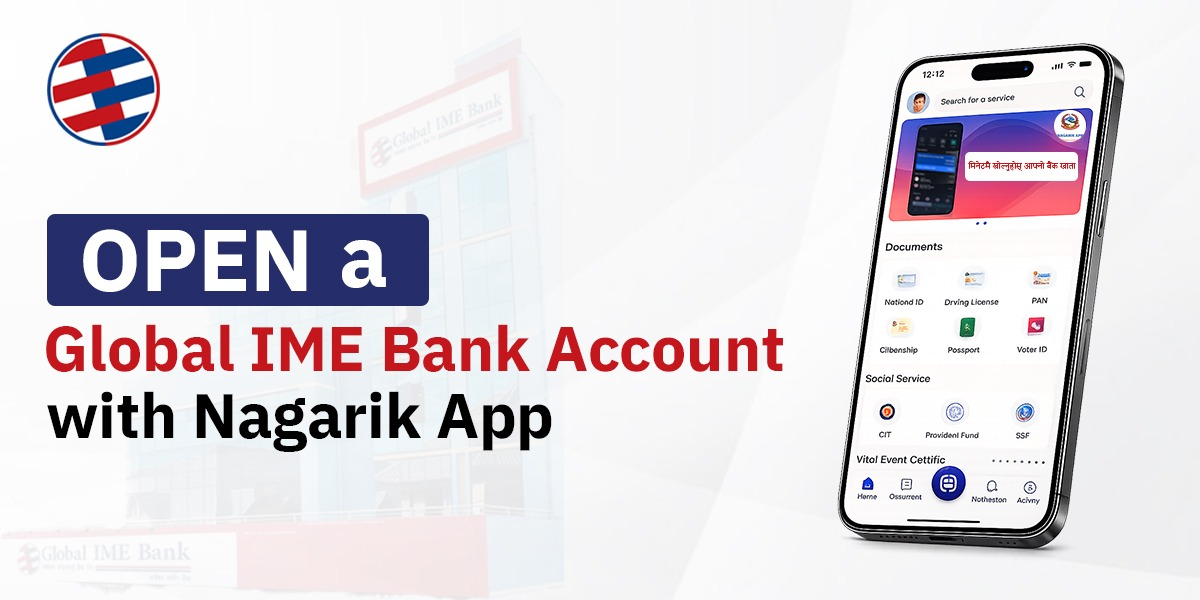
Opening a bank account in Nepal has become easier than ever. Eligible customers can now start the account opening process by scanning QR Code through Nagarik App without visiting the branch, filling long forms and waiting for document verification. Global IME Bank has launched this digital banking service with the Government of Nepal’s Nagarik App, through which users can apply for a personal savings account online.
With this initiative, Global IME Bank is utilizing the government’s digital infrastructure to make banking more secure, simple and convenient. The integration with the Nagarik App makes the account opening process faster, more transparent and easier, providing customers with a modern digital banking experience.
Benefits of Opening a Global IME Bank Account Through the Nagarik App
Fully digital: No need for paper forms or branch visits to get started.
Fast: The application only takes a few minutes.
Secure: The bank fetches your personal information securely from the Nagarik App with your consent, so you don’t have to manually enter your details and your data is private and secure.
Apply from anywhere anytime: Apply from anywhere, at any hour, using your phone.
Who Can Use This Service?
The service is available for eligible Nepali citizens who:
- Are 18 years or older
- Have a National Identity Card
- Are registered on the Nagarik App
Step-by-Step Process to Open Bank Account using Nagarik App
Opening an account takes simple steps.
Step 1: Visit the Bank Websites for QR code
Visit the Global Nagarik Saving Account page on the Global IME Bank website and click on the “Open My Account” or directly visit the GIBL Nagarik Customer Onboarding section for QR code.
Step 2: Scan QR Code
Open Nagarik App and Scan the QR code. A confirmation pop-up will appear in the app to proceed further. Tap on “Yes”.
Step 3: Review Your Details
The app automatically pulls your personal information from your Nagarik profile. Check your information then proceed.
Step 4: Fill in Additional Information
Add the details such as address, occupation, income information and other information.
Step 5: Submit Application
Accept the terms and conditions, confirm your self declaration and tap Submit.
Your account application is sent to the bank. After applying, you need to activate the account by visiting the nearest Global IME Bank branch or by Video KYC verification.
Conclusion
Global IME Bank’s account opening service through the Nagarik App has made it easier than ever to start your banking journey. With the rise of digital services in Nepal, this initiative showcases Global IME Bank’s commitment to providing secure, simple and technology-led banking solutions for its customers.
Ready to get started? Open your Global IME Bank account through the Nagarik App and enjoy a faster, paperless banking experience.
Frequently Asked Question
1.Where can I get the QR code?
You can find the QR code on the Global IME Bank website. To begin the account opening process, scan the code using the Nagarik app.
2.Is my personal information safe?
Yes, Your personal information is provided to Global IME Bank only when you give your permission through the Nagarik App. The Bank retrieves the information in a secured way.
3. Do I have to visit the bank physically?
In order to activate the account, you may either visit the nearest Global IME Bank or verify the account by using Video KYC
4. How long does the application process take?
The online application usually takes only a few minutes. Account activation depends on the completion of the required verification process.